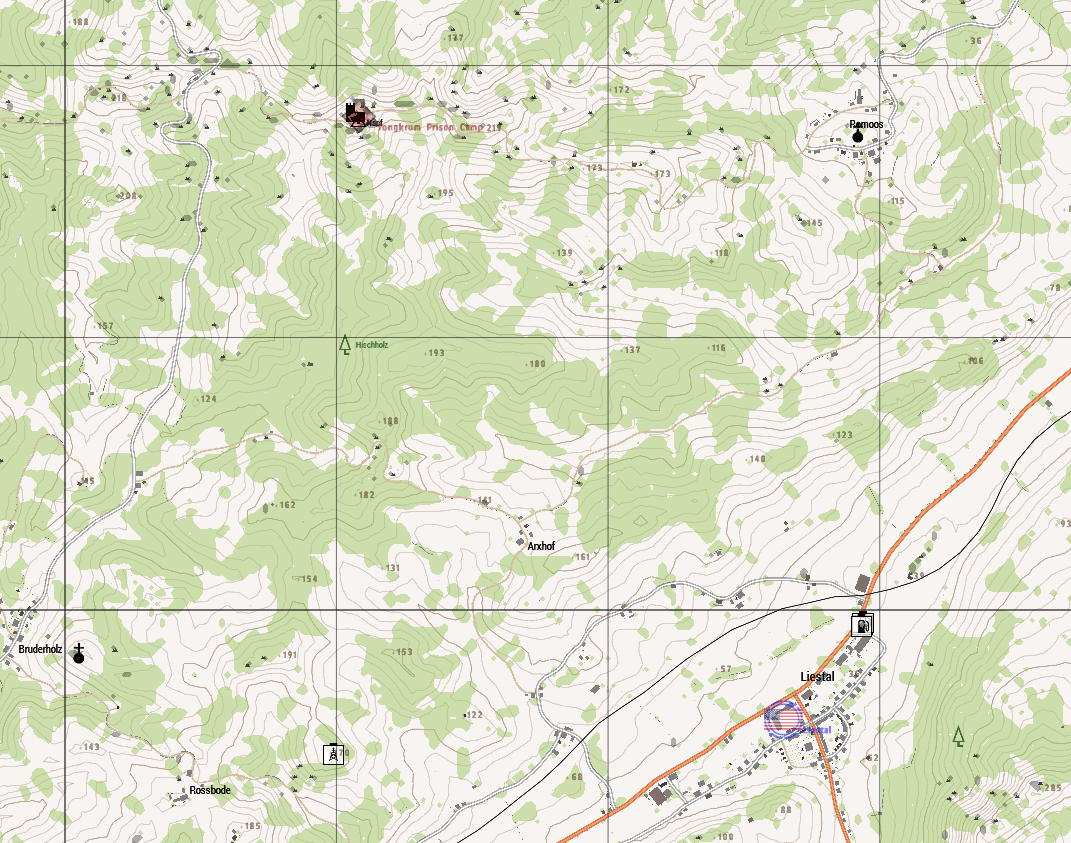
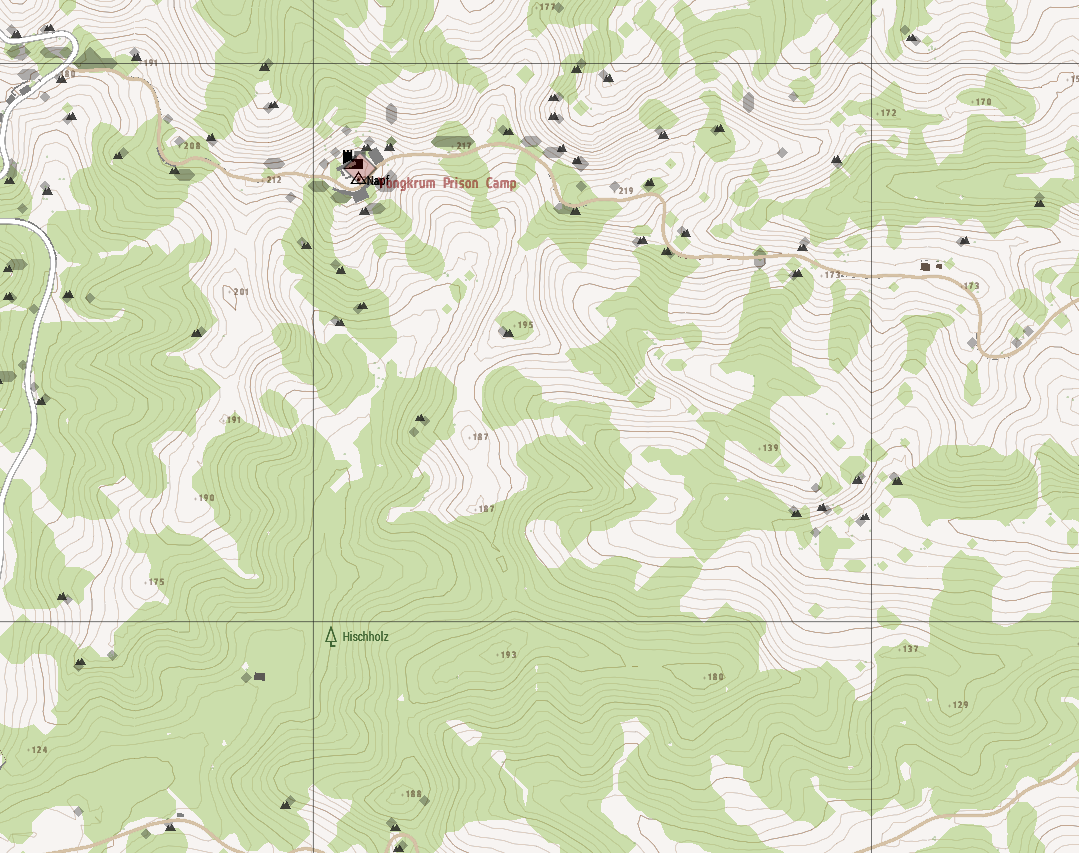
How to screenshot in-game map? [SOLVED]

SFC (Ret) Lyon

11B Infantryman
Having trouble trying to screenshot the in-game map - when I PrintScreen/paste I just get a black screen, and Steam screenshot (F12) doesn't even produce a screenie.  Is there some trick to capturing a map image in-game?
 
I had the same problem before with Steam Screenshot-capture. I remapped the key for it and afterwards set it back to original, that helped for me, maybe it helps you(?)
 
If you're in windowed mode, https://gyazo.com/captures works pretty well.  It's a lightweight desktop application.  You activate it and just drag a square over whatever you want to capture and it'll automatically upload it to their site.

d624cef0ee5fb277cd264cbdc7512770.png


e9ac9baf7231ba6b8ca5828b37197a40.png

The old ctrl+alt+printscreen and then paste into a new image or "paste from clipboard" into some sort of image program might work.
 
Back
Top